PWA Elements
某些 Capacitor 插件,如 Camera 或 Toast,在非原生运行时具有基于 Web 的 UI。例如,在 Web 上运行时调用 Camera.getPhoto() 将加载一个响应式的拍照体验:
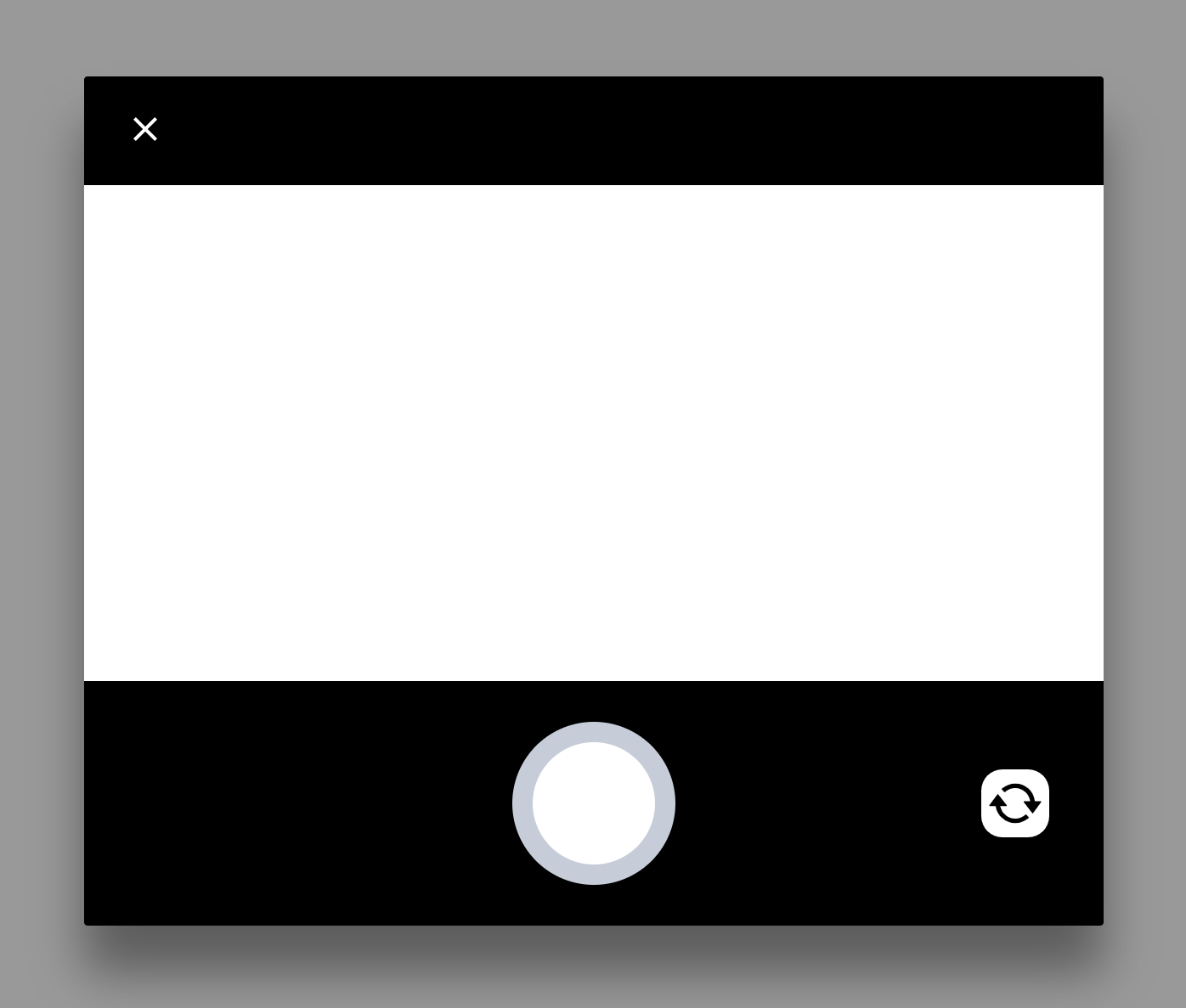
此 UI 使用 Web Components 实现。由于元素被 Shadow DOM 封装,这些组件不应与你自己的 UI 冲突。
安装
要启用这些控件,你必须将 @ionic/pwa-elements 添加到你的应用中。
典型的安装涉及导入包并注册元素,或为你的应用在 index.html 的 <head> 中添加 script 标签:
导入 PWA Elements
npm install @ionic/pwa-elements
然后,根据你选择的框架,导入元素加载器并在正确的时间调用它:
React
main.tsx 或 index.tsx 或 index.js:
import { defineCustomElements } from '@ionic/pwa-elements/loader';

// 在 render 调用之前调用元素加载器
defineCustomElements(window);
Vue
main.ts:
// 在 createApp() 行之前
import { defineCustomElements } from '@ionic/pwa-elements/loader';
defineCustomElements(window);
Angular
main.ts:
import { defineCustomElements } from '@ionic/pwa-elements/loader';
// 在 bootstrapModule/bootstrapApplication 调用之前调用元素加载器
defineCustomElements(window);
if (environment.production) {
  enableProdMode();
}
通过 script 标签包含
PWA Elements 可以通过 index.html 中的 script 标签包含。但请注意,这无法在离线场景下工作:
<script
  type="module"
  src="https://unpkg.com/@ionic/pwa-elements@latest/dist/ionicpwaelements/ionicpwaelements.esm.js"
></script>
<script
  nomodule
  src="https://unpkg.com/@ionic/pwa-elements@latest/dist/ionicpwaelements/ionicpwaelements.js"
></script>